
Play a style
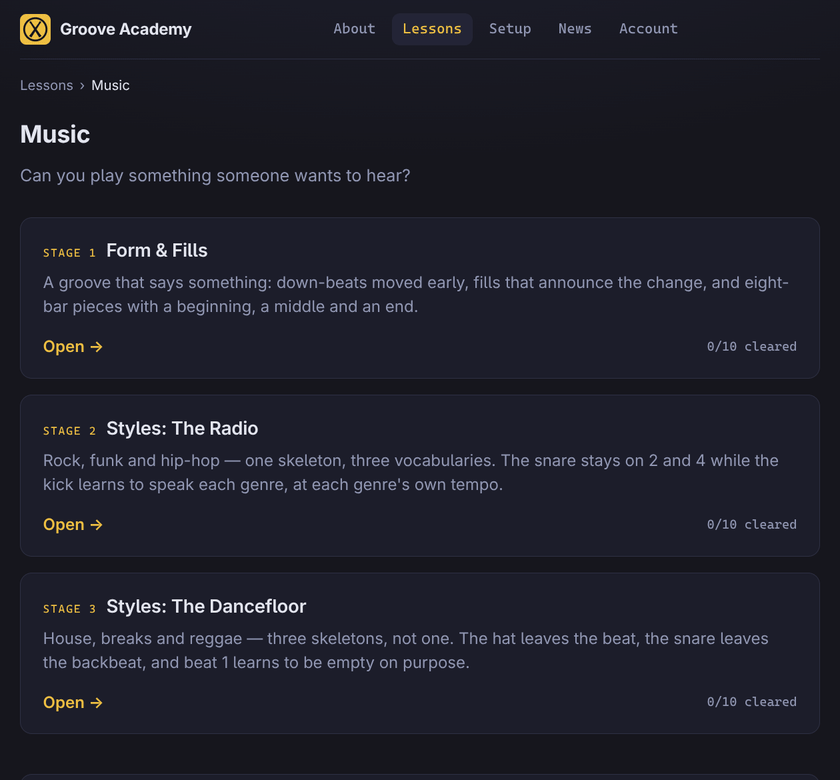
Until now every lesson here taught a mechanism — a limb, a subdivision, a hole in the bar. Useful, and not yet music. This release opens the Music tier: thirty new lessons where the thing being learned is a style. Rock, funk, hip-hop, house, breaks, reggae and drum & bass, each at its own tempo, each over a bass line written for it. 62 playable lessons become 92.
Three stages, and none of them are slots
- Form & Fills — a groove that says something. The push is a down-beat moved early, and what you are really learning is the hole it leaves behind. Then the 16th fill in three escalations, and song form: the first eight-bar lessons in the app, with a beginning, a middle and an end.
- Styles: The Radio — rock, funk and hip-hop as one skeleton with three kick vocabularies. The snare never leaves 2 and 4. Only the kick and the tempo change, so what you hear changing is the genre and not your hands.
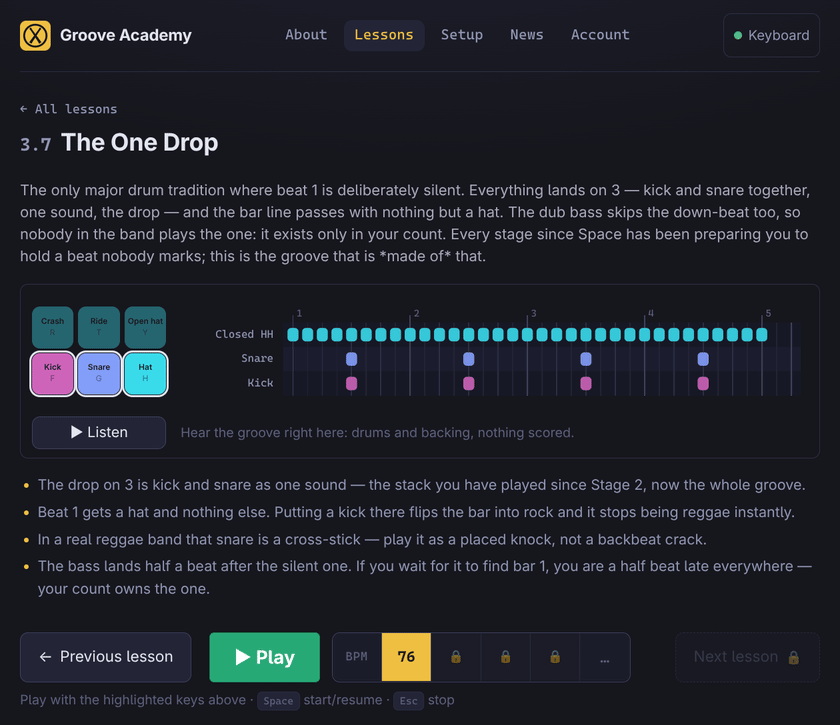
- Styles: The Dancefloor — here the skeleton itself changes. House takes the closed hat off the beat, breaks move the snare off the backbeat, and reggae's one drop leaves beat 1 empty on purpose. That last one closes a thread opened back in Foundations: Space taught you to play nothing and come back in exactly on time, and the one drop is a whole groove built out of that.
A bass that sounds like a bass
The backing was one synth patch playing every line at one volume. There are now two real electric basses under these lessons — a Yamaha RBX recorded fingerstyle and with a pick — and each line is played by whichever instrument suits it: the conversational lines on fingers, the quarter pulse and the boogie on the pick, the machine lines on the synths where a machine is the point.
The lines also learned to phrase rather than march. The quarter line walks bar 4 home through G–B–D–E, the octave line runs a fifth into its turnaround, the syncopated line closes on an enclosure. You are practising against something that is playing, which is a different feeling from practising against something that is counting.
Setup asks what you play on
It used to guess, from the name of your USB port, and it mostly guessed wrong — nearly every real electronic kit landed on a screen headed "Pad layout", with a text link below the fold as the way out. On an iPhone the whole thing opened on a Connect button that could not be pressed.
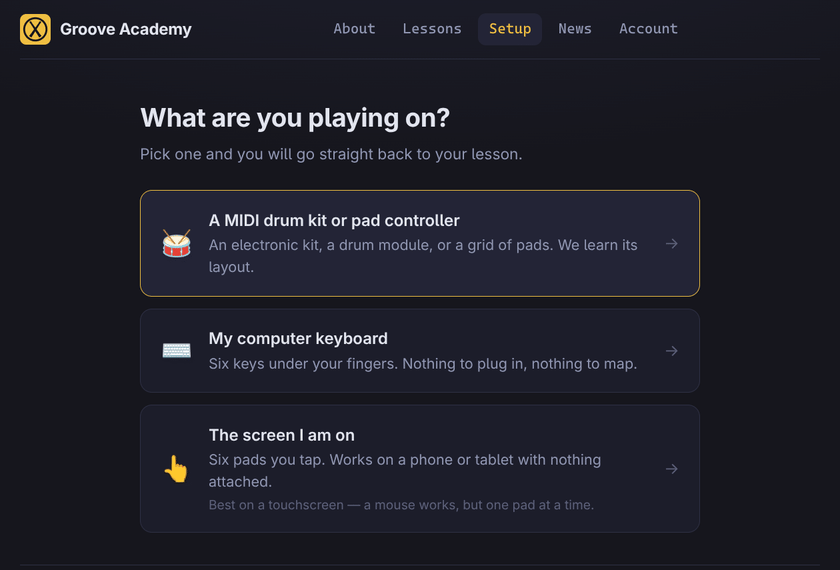
Now the first screen is the question. Three answers — a MIDI controller, your computer keyboard, the pads on this screen — and none of them are greyed out; a browser that cannot do Web MIDI says what it needs instead of showing you a dead button. From there the flows are shorter and they end the same way: every one of them now proves your mapping before you practise on it. The on-screen pads never had a test step at all, and a pad grid's mapping was never checked until the first lesson went wrong.
What your instrument looks like is a question inside the flow rather than a fork in the road: pick a kit schematic, an N × M grid, or a neutral arrangement. Your device may pre-select one, but it no longer decides for you, and a controller nobody recognises waits for your answer instead of being quietly called a grid.
The header says what you are playing
One chip, at the top of every page: the instrument you are on, whether it is actually plugged in, and a way to switch to another one you have set up or add a new one. The lesson page used to pick an input for you on the quiet, which is how someone could spend a session playing the on-screen pads while their kit sat there unnoticed. It does not do that any more — and setting up a second kit no longer steals your first one.
If you open a lesson having set nothing up, the app takes you to the question and then brings you back to the lesson you asked for.
Restart, without leaving the highway
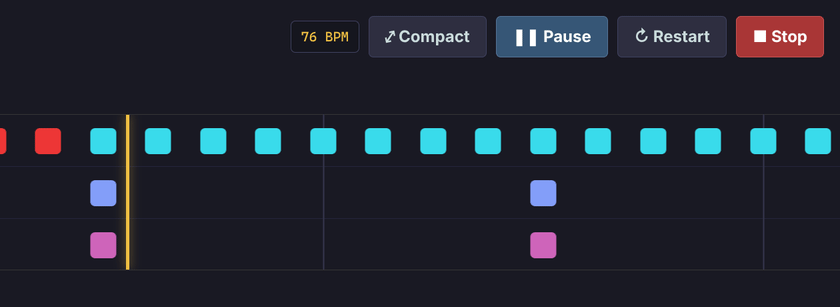
Fumble the first bar and you had two choices: ride out the whole lesson, or stop and start again from the page before. The transport now carries Restart. The score is dropped, the count-in leads you back in on the click, and there is nothing to wait for — the sound is already up. Nothing is filed either way; a run only reaches your practice history by finishing.
Also in this release
- Stats appears once you have some. An empty heatmap and four flat lines tell a new student nothing except that they are already behind. The link shows up the first time you finish a lesson.
- A Telegram channel and the source code are linked in the footer, beside Mastodon. The whole app is open — if you want to see how the scoring window works, it is right there.
Follow @groove_academy for the next one, or go play something — preferably something with a reggae bass under it.